Hoodie mockups that look like a real photo shoot
Drop your design and see it on a hoodie in about two seconds. Then pick a scene, like a cozy living room or a trail at golden hour, and get a photo that sells the feel of a heavyweight hoodie, not just the print.

Why hoodie photos are harder than tee photos
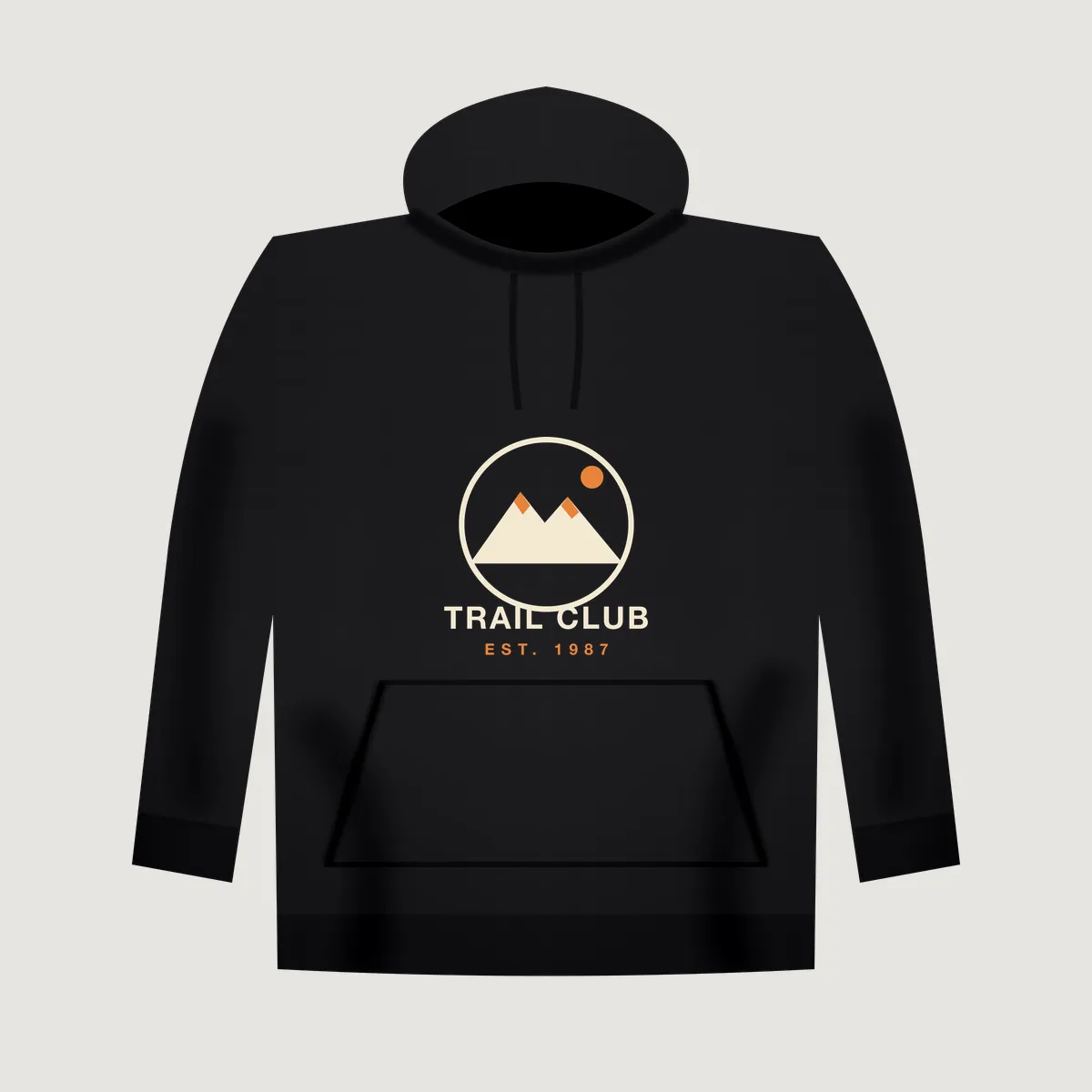
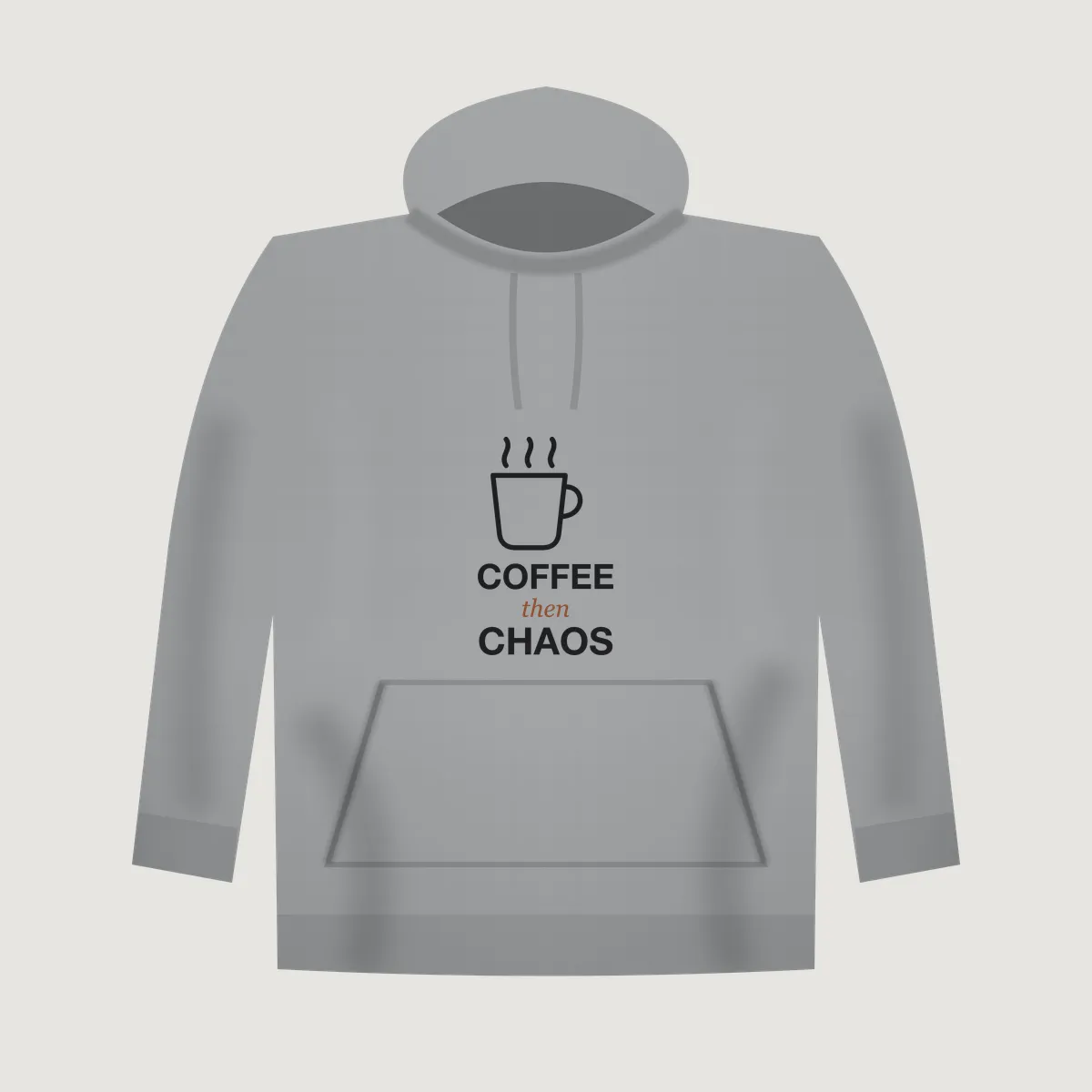
A hoodie is thick fleece with a hood, drawstrings and a kangaroo pocket. A flat template that works for a tee usually looks wrong on a hoodie: the print floats over the pocket seam, the fabric looks paper thin, and the hood casts no shadow. Buyers notice, even if they cannot say why.
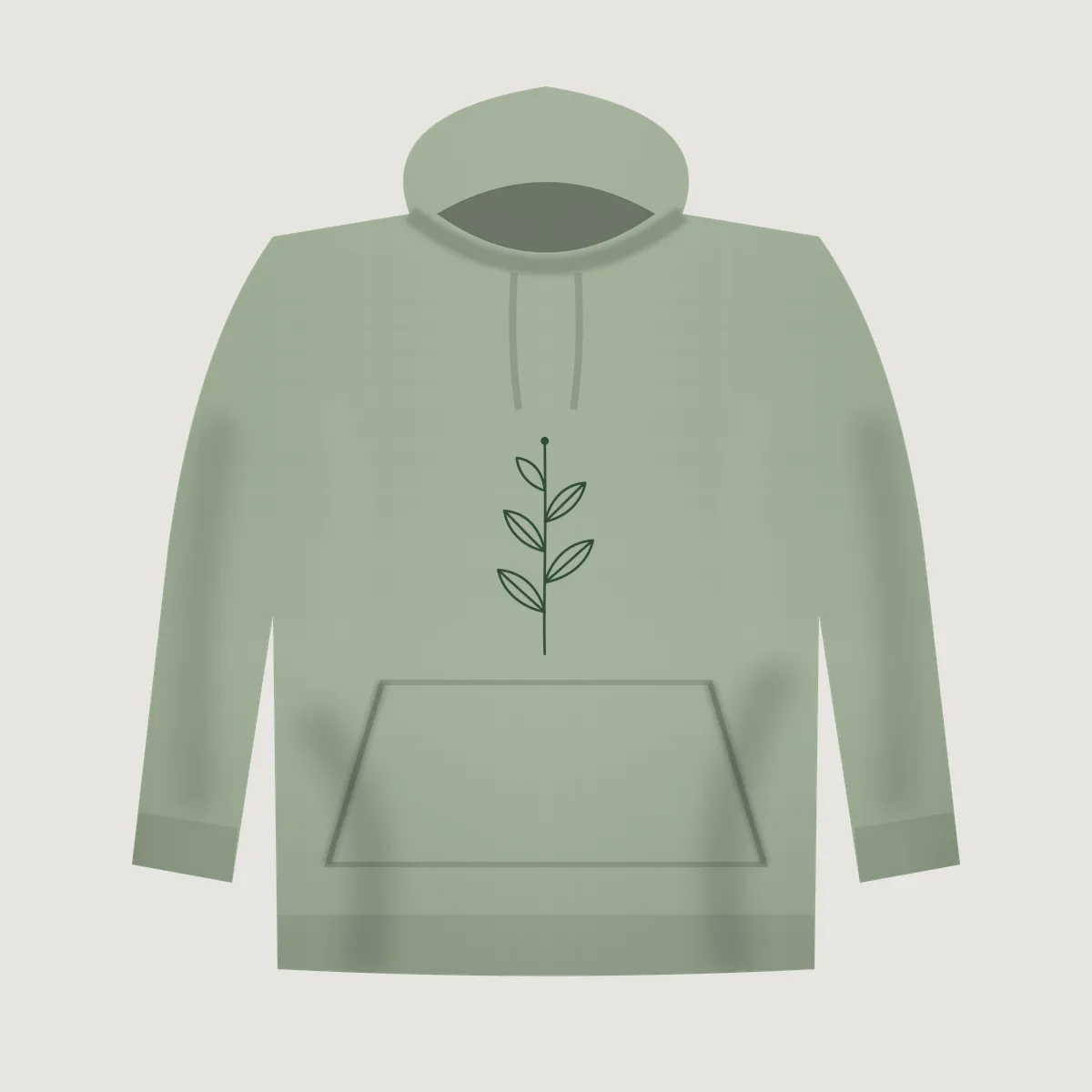
Our hoodie blank keeps the print box above the pocket, where a real print shop would place it, and sizes front prints to at most 42% of the body width so the result reads as a normal adult print, not a giant sticker. In scenes, the print follows the fleece: soft folds across the chest, a little lift where the hood drapes, and the light of the room falling across the ink.
Scenes that sell hoodies
Hoodies are bought for a feeling: warm, lazy Sunday, cold morning hike. The scenes we suggest on this page lean into that.
- At home: a model seated on a sofa in warm window light. The best second or third photo for cozy designs.
- Outdoors: trail or park, model facing camera. Good for hiking, camping, travel and dog-walk designs.
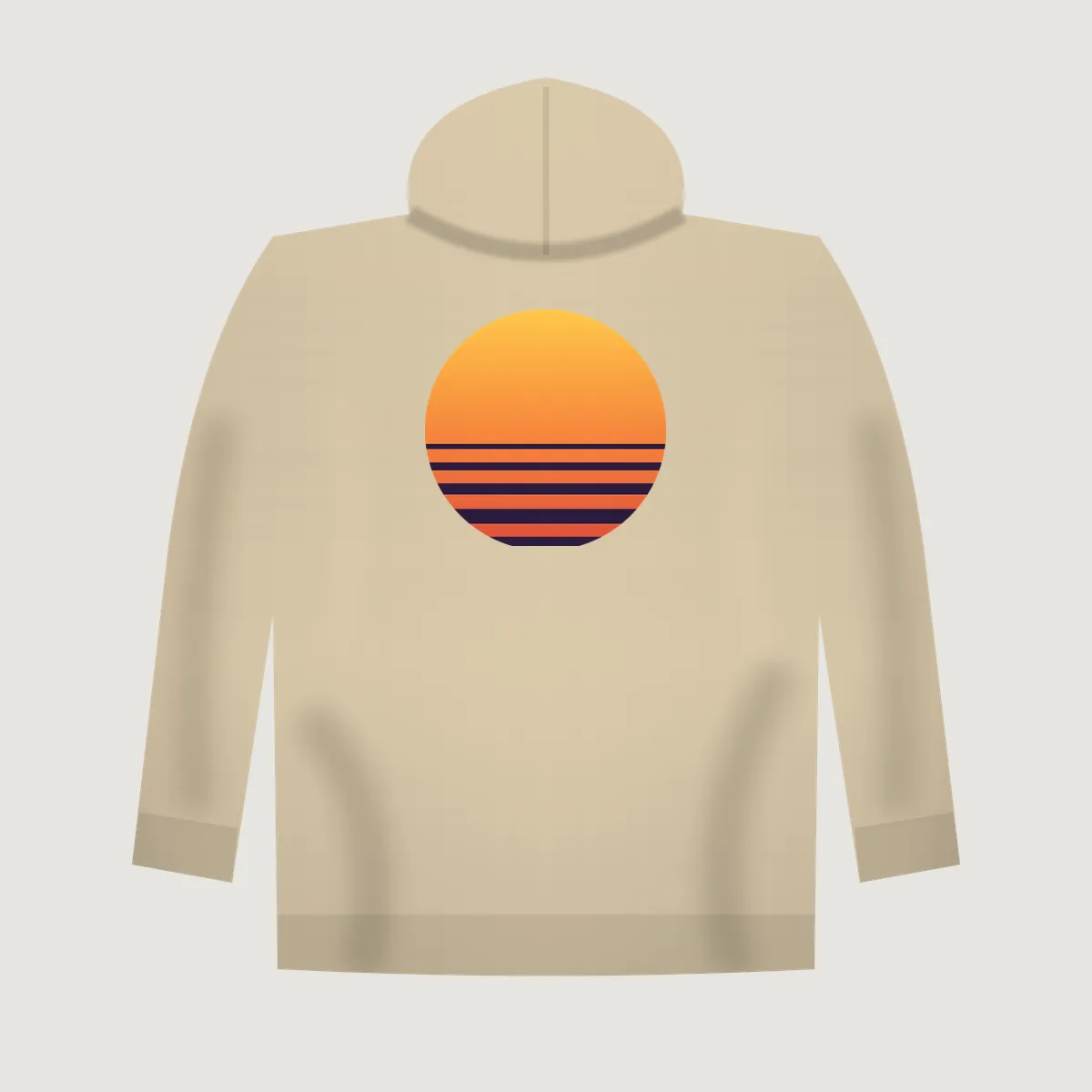
- Back print: a model seen from behind, for the large back graphics that sell so well on hoodies.
- Ghost mannequin: front or back on pure white, the clean shot Shopify product pages expect.
Front, left chest or back
Many hoodie listings pair a small left chest logo with a large back print. Make both: choose Left chest for the front photo, then switch the print spot to Back and the scene list changes to the scenes that can actually show a back. Every combination keeps your file exactly as you made it, because the AI never touches the artwork. It only builds the scene around a blank hoodie, and we print your file in afterwards.
Pick the hoodie color your supplier actually stocks. We offer twelve plain colors, from Black and Heather Gray to Sage, Maroon and Sand, so your photos match what the buyer receives.
Hoodie mockup: questions
Can I put a design on the back of a hoodie?
Yes. Choose Back as the print spot. The tool then offers the Back print, Flat lay and Ghost mannequin scenes, which are the ones that can show a back print properly.
Does the print cover the kangaroo pocket?
No. Front prints sit in the chest area above the pocket, the way most print shops place them, so the pocket seam never cuts through your design.
Which hoodie colors can I choose?
Twelve: White, Black, Heather Gray, Charcoal, Navy, Royal Blue, Forest Green, Sage, Maroon, Pink, Sand and Natural. The tool picks a contrasting one for you automatically, and you can change it.
Can I make a zip-up hoodie mockup?
Not yet. The hoodie is a pullover with a kangaroo pocket. We would rather say no than show a garment you cannot sell.
How many free hoodie mockups do I get?
3 AI scene mockups a day without signing up, plus unlimited free flat mockups. Free scene previews are watermarked; packs start at $5 for 15.
Drop a design to try it
Back to the mockup tool